Usage
wopr [flags] [game]
wopr --movie [--only] [scene]
With no game, wopr dials in and waits at LOGON:. With a game, it starts that game at once, without the
dial, the logon and the greeting. wopr chess, wopr 7 and wopr --play chess all do the same.
wopr --help prints a short summary of the options. The manual page, wopr.6, has every option,
every game with how to play it and tips, and movie mode. On Linux and macOS, read a downloaded copy with
man ./wopr.6. The Linux packages install it, so man wopr shows it.
Accessibility covers play without colour or motion. Troubleshooting says what to do when something goes wrong.
Options
Options can come before or after the game.
| Option | What it does |
|---|---|
-h, --help | Print a summary of the options and exit. |
-v, --version | Print the version, the commit and the build date, and exit. |
-g, --games | List the games, with the shortest name each one answers to, and exit. |
-S, --scenes | List movie mode’s scenes and exit. |
-L, --licenses | Print the licence, the notices and the licences of the code built into wopr, and exit. |
-p, --play <game> | Start a game at once. Name it by its number, its name, an alias, or the start of a name that fits only one game. |
-m, --movie [scene] | Replay the film’s scenes at WOPR’s terminal, from the named scene to the end. Without a scene, open the scene menu. See Movie scenes. |
-o, --only | With --movie, play only the chosen scene, then stop. |
-t, --theme <name> | The colours: imsai (the default), green, amber or norad. See Themes. |
-i, --instant | Show text at once, instead of one character at a time. |
-s, --seed <n> | Play a repeatable session. See Seeds. |
-r, --reduce-motion | Nothing blinks, the front panel’s lights stand still, and the ending keeps a steady pace. |
Environment variables
| Variable | What it does |
|---|---|
WOPR_THEME | The theme, as --theme sets it. The option wins if you give both. |
WOPR_INSTANT | Set to 1 for --instant. |
WOPR_REDUCE_MOTION | Set to 1 for --reduce-motion. |
WOPR_SEED | The seed, as --seed sets it. The option wins if you give both. |
WOPR_PANEL | 1 shows the front panel, a status line along the bottom, in any theme. 0 hides it. When it is unset or empty, only the norad theme shows the panel. |
WOPR_DEBUG | Set to 1 to write a debug log. |
NO_COLOR | Set to any value but an empty one to turn colour off. See Accessibility. |
For the on and off variables, 0, false, no and off mean off, and any other value means on. An
empty value counts as unset.
wopr exits with one of four codes:
- 0 after
LOGOFF. - 130 after Ctrl+C.
- 2 for a mistake on the command line, or for a terminal it cannot use.
- 1 for any other error.
Logging on
wopr dials in, connects, and asks LOGON:. The film’s backdoor works: Joshua. A name WOPR does not
know drops the line, and WOPR dials again. Every third failed try, it gives you a hint. At LOGON: you
can also type HELP LOGON, HELP GAMES and LIST GAMES, as David does in the film.
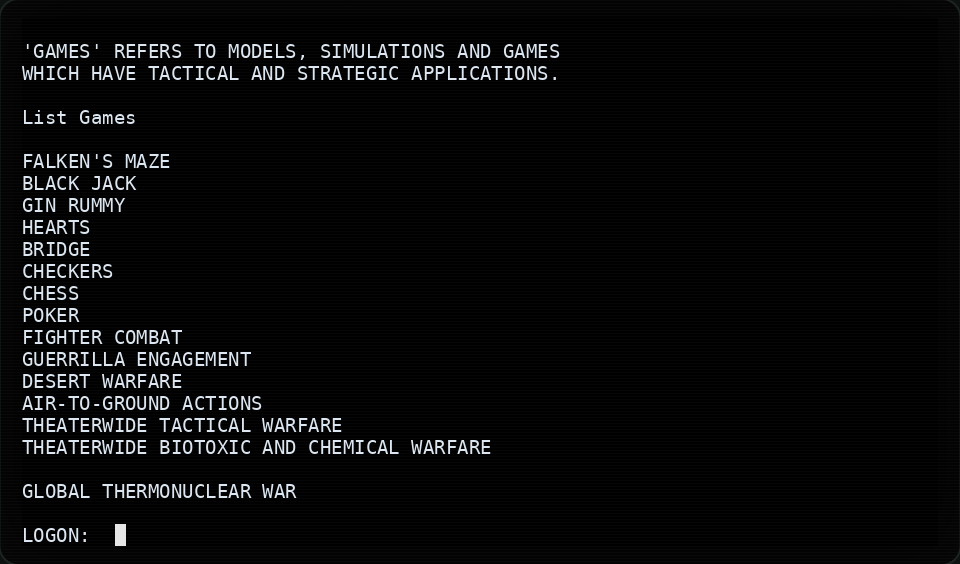
HELP GAMES at the LOGON: prompt, then LIST GAMES on the open line that follows, as in the film.Talking to WOPR
After the logon, WOPR greets you as Professor Falken and follows the film’s conversation. There is no prompt text while you talk: what WOPR said last is the question. Type in any mix of capitals and small letters.
| You type | WOPR |
|---|---|
HELP | Lists the commands. |
HELP GAMES | Says what its games are. |
LIST GAMES | Lists the games. Then type a number to pick one. |
PLAY <game>, or a game’s name | Starts the game. Let's play chess. and How about poker? work too. |
LOGOFF | Ends the session. LOG OFF, EXIT and QUIT do too, even inside a game. |
WOPR also answers some of the film’s questions, such as Is this a game or is it real? and
What is the primary goal?. It is a scripted program, not a chatbot. When it does not understand, it
asks you to restate your request, calls it an improper request, or offers a game.
Keys
| Key | What it does |
|---|---|
| Enter | Send the line you typed. |
| Backspace | Delete the last character. Ctrl+U clears the line. |
| Up and Down | Step through the lines you typed. |
| PgUp and PgDn | Scroll back through earlier text. |
| Any key | While WOPR is typing, show the rest of its text at once. What you type is kept. |
| Esc, twice | Leave a game and return to WOPR. The first Esc asks you to press it again within three seconds. |
| Ctrl+D | On an empty line, end the session. |
| Ctrl+C | Quit at once. |
Falken’s Maze reads single keys instead of lines, and it says which keys it uses.
Themes
The theme sets the colours. Choose one with --theme or WOPR_THEME:
imsai, the default: white phosphor, as on David’s IMSAI terminal in the film.green: green phosphor.amber: amber phosphor.norad: the blue of NORAD’s big board, with the front panel along the bottom.
wopr --theme amber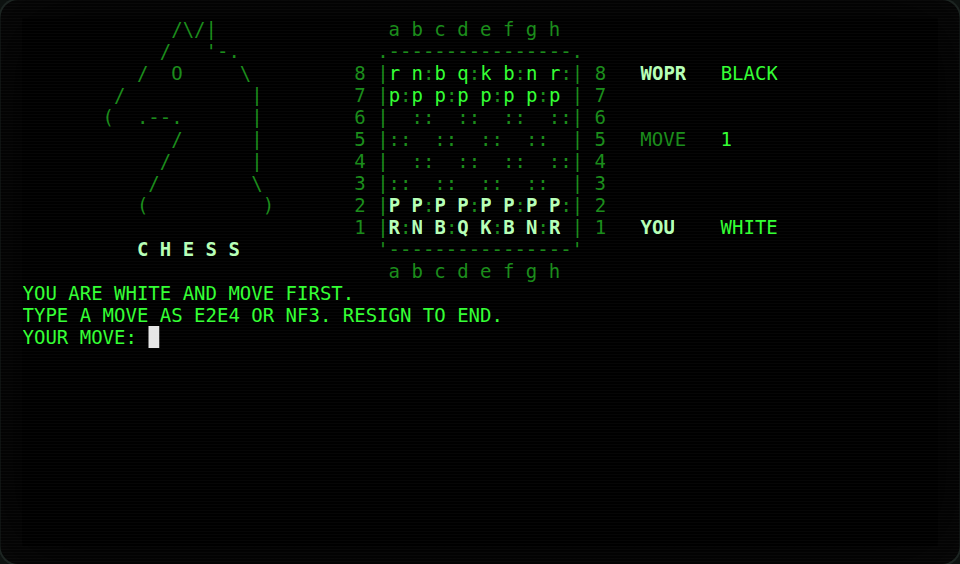
--theme green, on the chess board.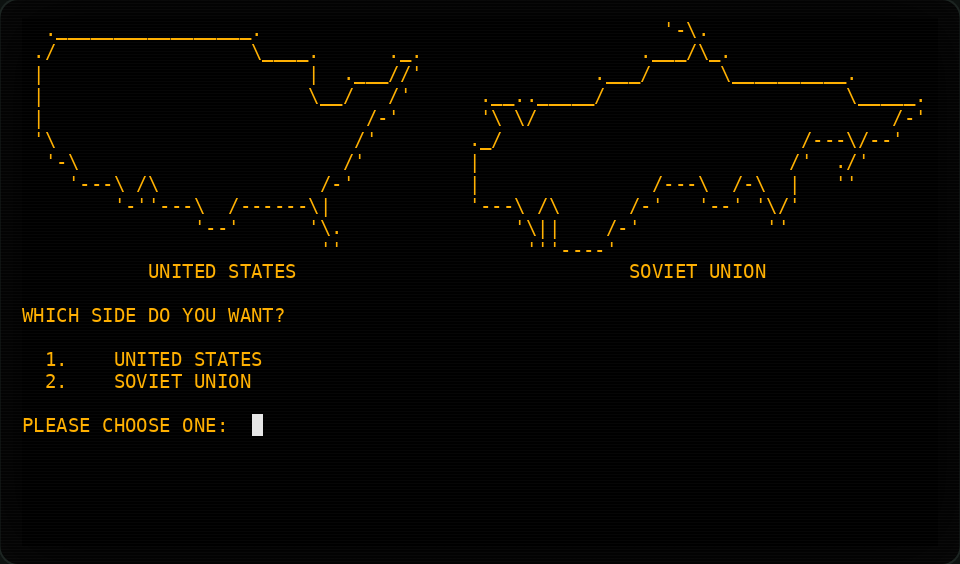
--theme amber, as Global Thermonuclear War asks you to pick a side.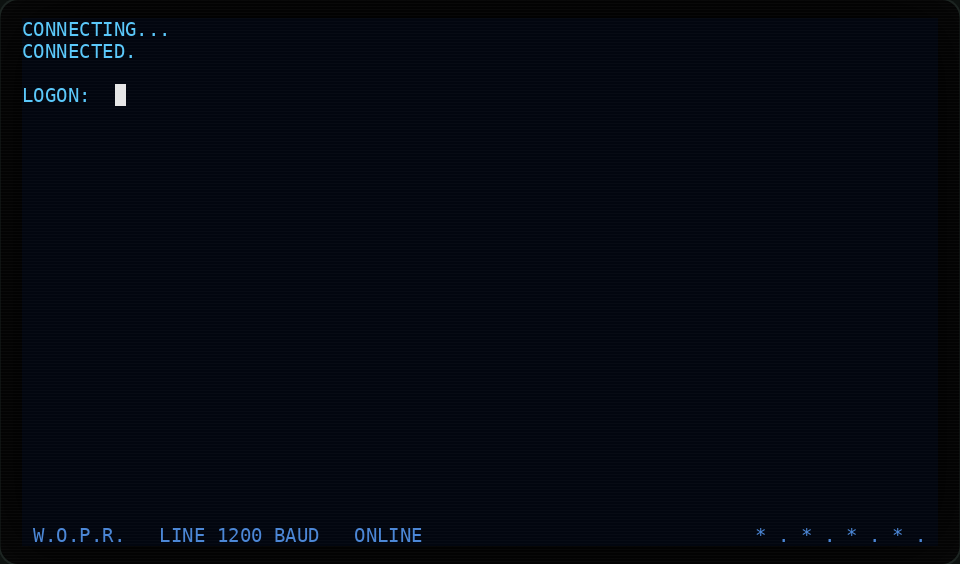
--theme norad, with the front panel along the bottom.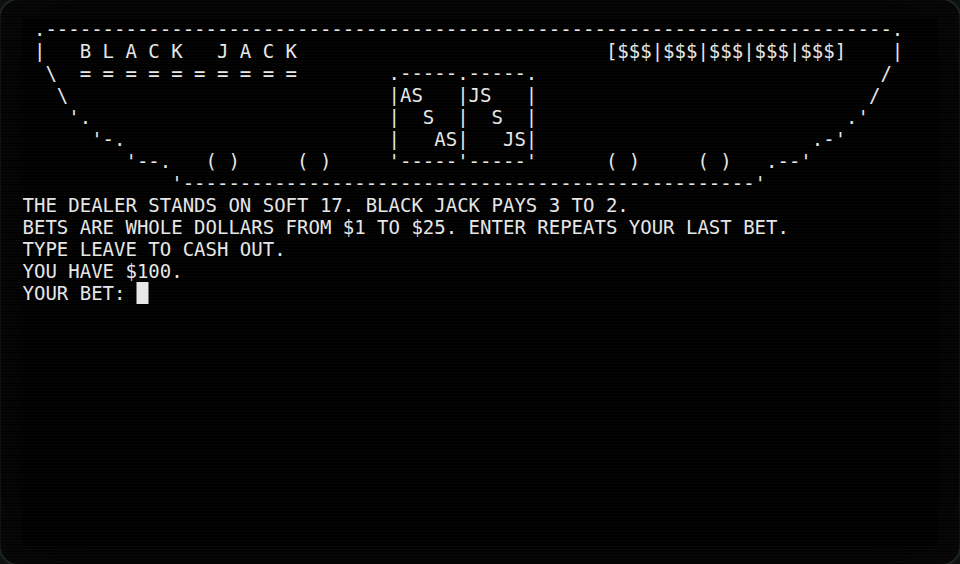
NO_COLOR=1: no colour at all. Every card still shows its suit letter.wopr uses as many colours as your terminal has: full colour, 256 colours, or the basic 16. With
NO_COLOR, or on a terminal without colour, every theme uses bold, dim, underline and reverse instead.
Nothing is lost: see Accessibility.
Seeds
Every session starts from a random seed, so the cards, the maze and WOPR’s choices differ each time. Give a seed to play the same session again:
wopr poker --seed 1983The same seed deals the same cards, builds the same maze, and gives the same replies from WOPR. With a seed, WOPR’s searches stop at a fixed depth, instead of when time runs out. A seed is a whole number from 0 up. Movie mode ignores seeds: every replay is the same anyway.